
Analyze, Enhance & Perfect Your Images with AI Power
Stop guessing. Get instant, data-driven feedback to improve your photos. Upscale, clean, and batch-process in seconds.

Test the Magic Instantly!
Or try one of our samples:



Analyzing & Enhancing...
Please wait while AI processes your image.
Analysis Report
Quality Score
-- / 100
Lighting
--
Sharpness
--
Saturation
Normal
Noise
Low
Image Enhancement and Editing Tools
Analyze, edit, and prepare your images with AI.


Pro-Level AI Photo Enhancer with AI Power
PixelPerfect Pro is an AI-powered image enhancer that improves photo quality instantly with just one click. Our advanced AI algorithms automatically sharpen, clarify, and perfect your images, giving them a professional look in no time. PixelPerfect Pro transforms your images into stunning, high-quality visuals within seconds.


Image to Sketch Art Pro converter
Sketch Art Pro was born from a simple idea: to make digital art accessible to everyone. We believe that creativity shouldn't be locked behind expensive software or complicated tools. Our mission is to provide simple, powerful, and free-to-use utilities that empower users to bring their creative visions to life. Our Photo to Sketch Art Pro converter is our flagship product, designed with privacy and user-experience at its core. By processing all images in your browser, we ensure your photos remain yours, and yours alone. We are committed to maintaining a high-quality, free service for artists, designers, hobbyists, and anyone looking to add a creative touch to their pictures.


Upscale image online with AI Power
AI Image Upscaler – Enhance & Enlarge Your Photos Instantly Our AI-powered image upscaler makes it simple to improve photo quality online in just seconds. Whether your image is blurry, pixelated, or low-resolution, the tool enhances sharpness, restores details, and boosts overall clarity. Just upload your JPG or PNG, and let AI do the work. Unlike traditional resizing that stretches pixels, this smart upscaler generates high-resolution textures, reduces noise, and recovers lost details for stunning results. With up to 4x enlargement, your photos become crisp, vibrant, and ready for professional use — all completely free.
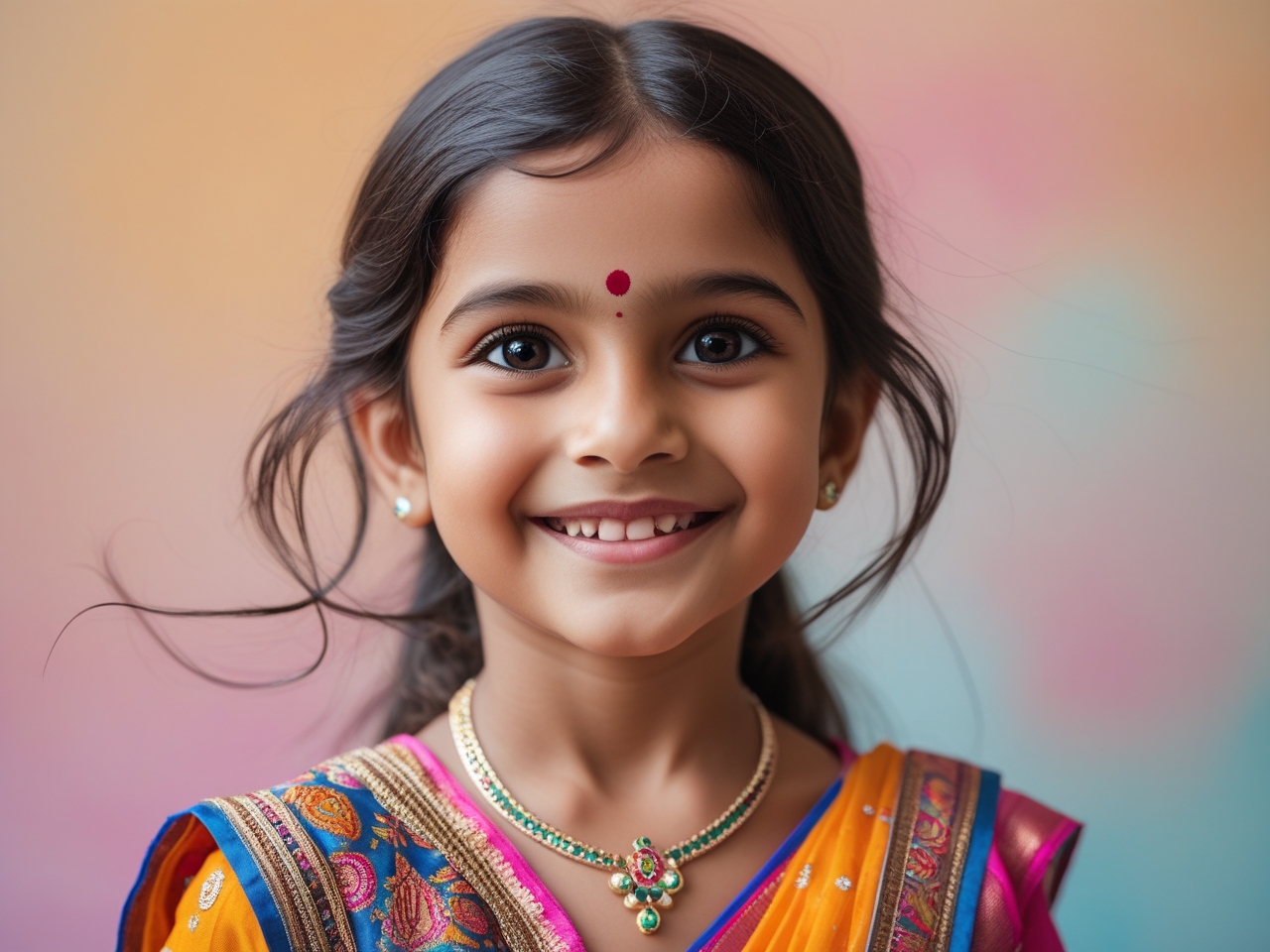
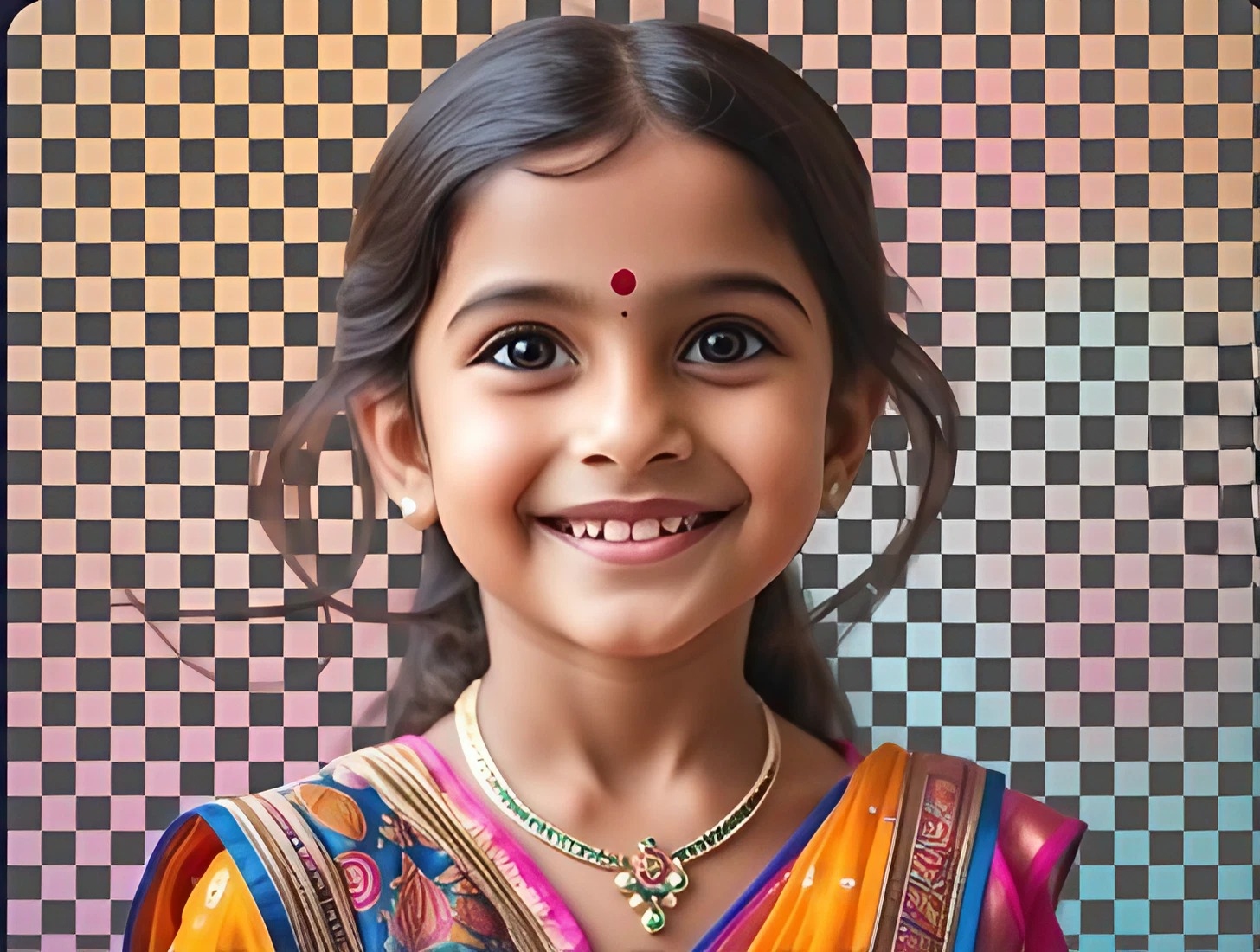
High Quality Background Remover with AI Power
Remove backgrounds instantly with our High Quality Background Remover powered by AI. Get clean, precise, and professional cutouts in just seconds. Perfect for product photos, portraits, logos, and creative projects. Save time and enhance your workflow with effortless background removal—no manual editing needed!
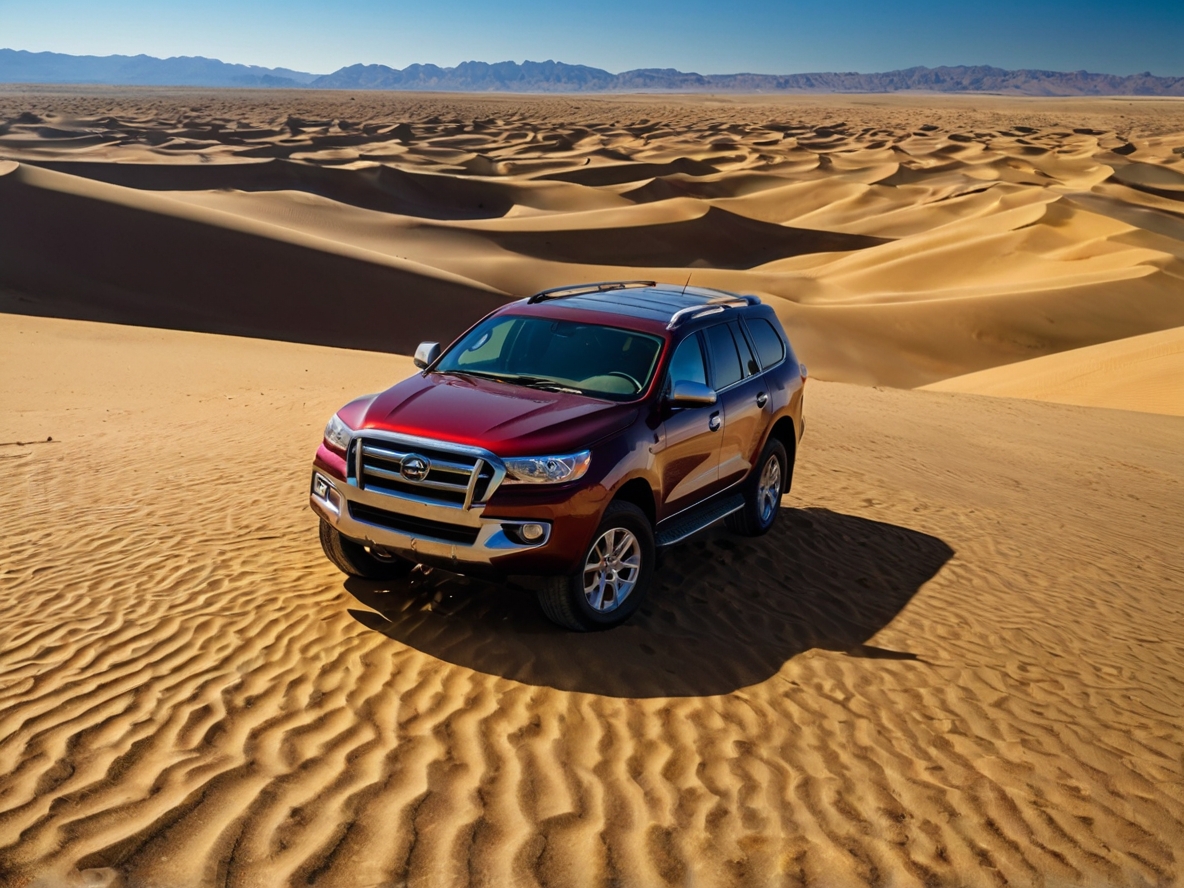
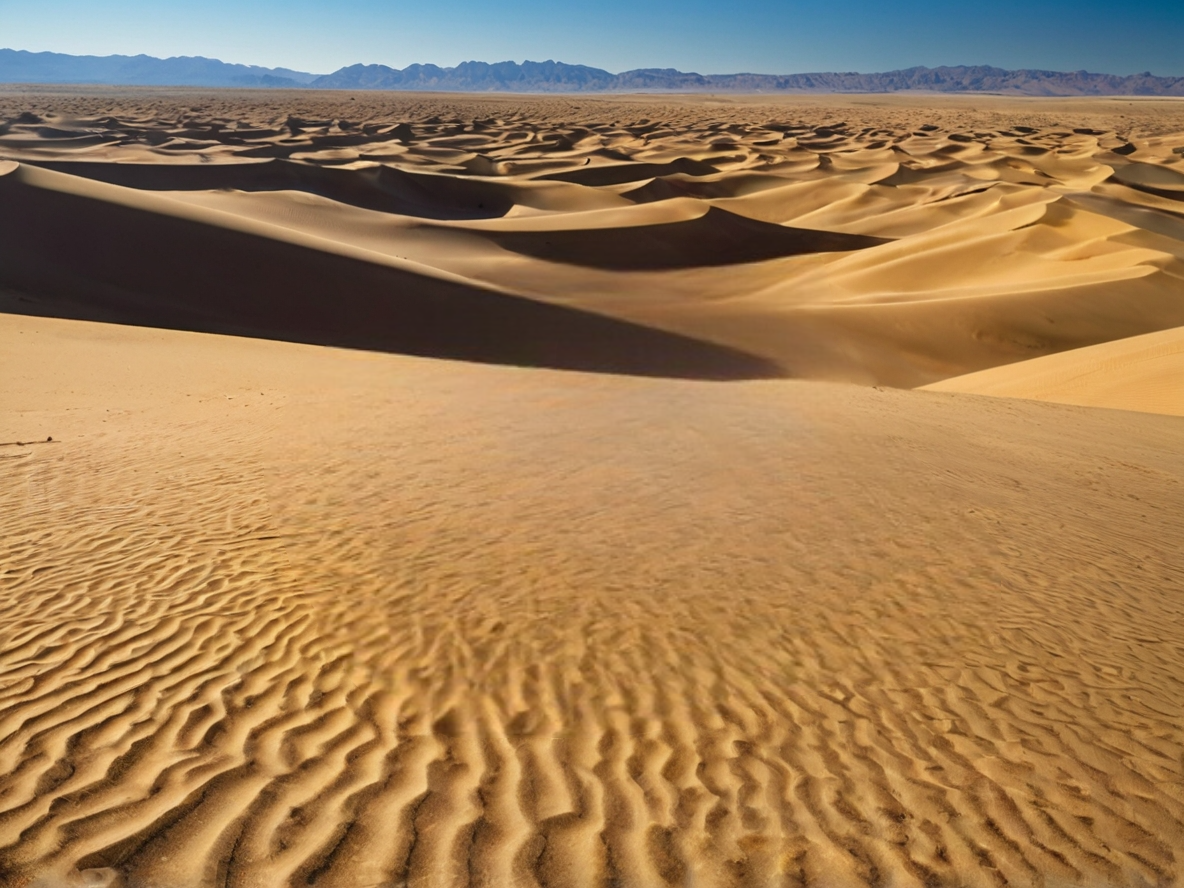
Remove unwanted objects from Image with AI Power
PixelPerfect Pro is a tool that can remove unwanted objects from your photos. After selecting the unwanted object with the brush tool, it will be automatically removed from the photo as if it was never there. Use it to erase people, small objects, watermarks, or text, and get a clean, flawless image.
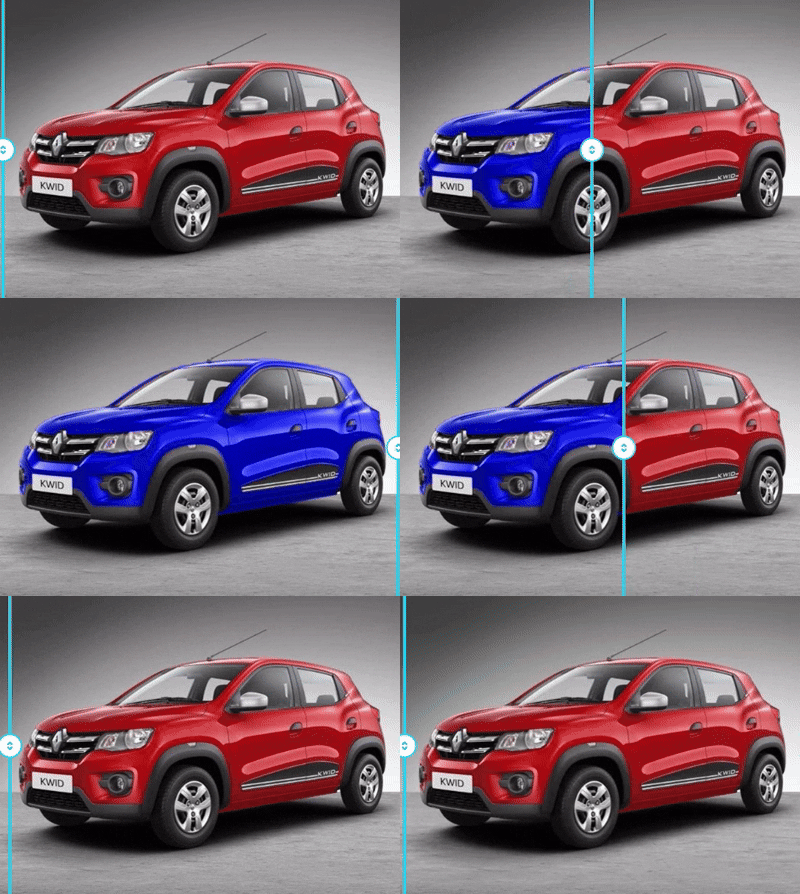
Change the color of your photo with Selective Color
Selective color is a post-processing technique in photography and video editing where specific colors are highlighted while the rest of the image is converted to black and white (or desaturated). This creative effect is used to draw the viewer's eye to a particular subject or detail, adding drama, symbolism, or emotional emphasis to the image.
- Focal Point Creation: The primary purpose is to create a strong focal point by isolating the subject in color against a muted background.
- Storytelling and Emotion:It can be a powerful storytelling tool, emphasizing the importance or emotional significance of the colored element. A famous example of this is the red car.
- Editing Technique:The effect is typically achieved during post-processing using editing software like AI-Powered Pixel-Check Studio, which offer tools such as HSL panels, masking, or dedicated "selective color" adjustment layers to isolate and manipulate specific color channels.
- Visual Contrast:The stark contrast between the vibrant color and the monochrome background makes the image visually striking and poetic.
- Creative Choice:While popular, the technique can be seen as outdated or overused if not applied thoughtfully. Its success depends heavily on the strength of the original composition and clean execution of the effect.


Enhance and Upscale Images Super Resolution
Ever needed to enlarge a photo but hesitated to upload it to a third-party service? Worried about privacy, slow connections, or credit limits? We get it. That's why we're thrilled to introduce a game-changing new feature built right into PixelPerfect Pro: Local Super Resolution.
What is Local Super Resolution?
Local Super Resolution is a powerful offline tool that enhances and upscales your images directly within your web browser. By harnessing the power of the OpenCV.js library, this feature processes everything on your device. This means your images never leave your computer, guaranteeing 100% privacy and security. No internet connection required (after the page has loaded), no API keys, and no waiting in server queues.
How Does It Work?
But how is this different from a simple 'resize'? Our Local Super Resolution tool is a multi-stage enhancement pipeline. It doesn't just stretch your image; it intelligently enlarges it using advanced interpolation, then applies a sophisticated unsharp masking algorithm to bring out hidden details and sharpen edges. Finally, it runs a light denoising process to clean up artifacts, giving you a result that is clearer, crisper, and ready for use. This feature is perfect for quick enhancements, preparing images for social media, or anytime you need a quality boost without the overhead of cloud processing. Head over to the Super Resolution modal in our tool, choose your mode, and experience the magic of offline image enhancement today
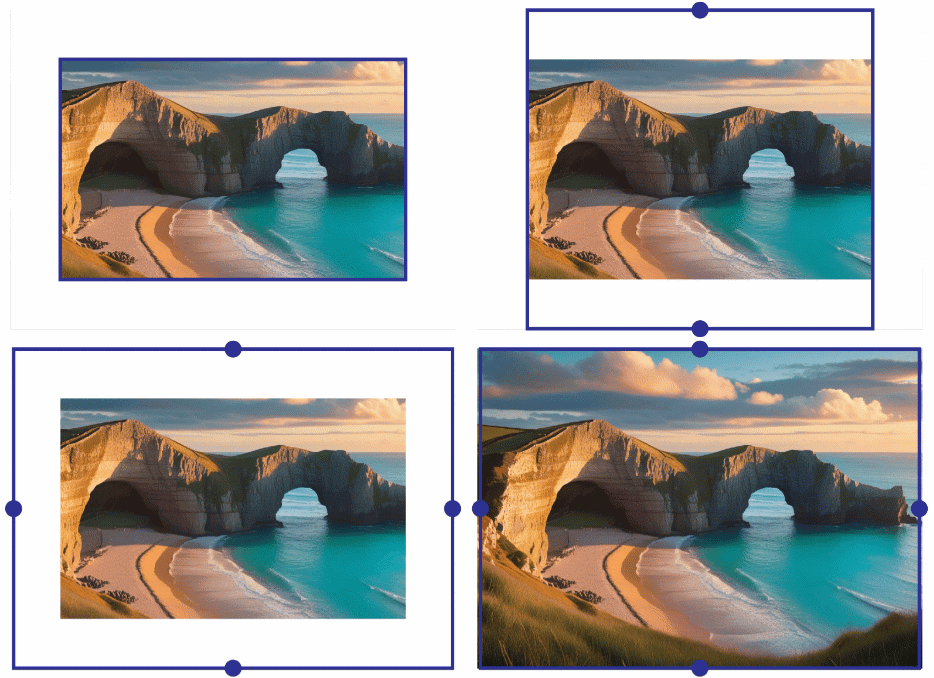
Uncrop your favourite Image with AI Power
Uncrop is a powerful feature that expands the boundaries of your photo. Instead of being limited by a cropped or cut-off frame, it naturally generates extended background around the image, Uncrop your pictures to any format, extend bodies, objects or sceneries to enlarge your perspective and get your picture with just the right amount of context. making it look more complete, balanced, and professional.
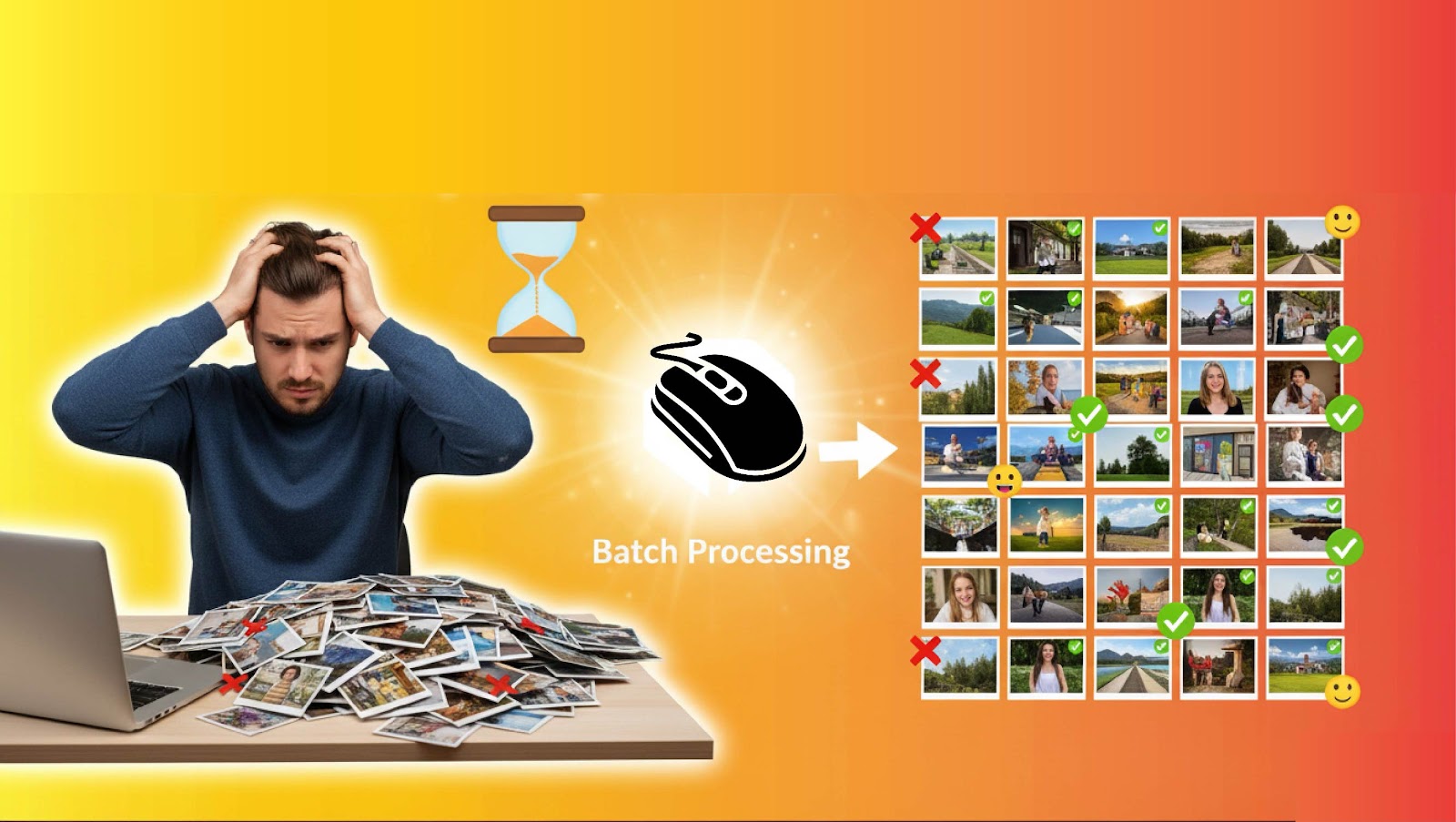
Wasting time editing photos Batch Processing!
Batch processing is a process where you can identify multiple images as a group and apply the same settings to them at the same time. Let's say you have multiple images that need to be slightly brightened. Normally, you would open each image individually and increase the brightness. But using PixelPerfect Pro's batch processing, you can increase the brightness of all your images with one click!
Why Choose PixelPerfect Pro?
Everything you need to elevate your images from good to outstanding.
AI Quality Analysis
Get an instant aesthetic score and technical feedback on composition, lighting, sharpness, and more to meet microstock standards.
Powerful Batch Processing
Save hours of work. Apply adjustments and upscale dozens of images at once, then download them all in a single ZIP file.
Smart Enhancement
Use one-click presets or fine-tune manually. AI-powered upscale, object removal, cropping, and color correction tools at your fingertips.
Metadata Generation
Instantly generate SEO-friendly titles, descriptions, and keywords from your image to boost visibility on stock sites.
Perfect Images in 3 Simple Steps
1. Upload Your Image
Drag and drop a single image or select multiple files for batch processing.
2. Analyze & Enhance
Get AI-driven suggestions or use our powerful manual tools to adjust, upscale, crop, or remove objects.
3. Download
Download your perfected image in high quality, or get all your batch-processed files in a neat ZIP.
See PixelPerfect Pro in Action
Watch this short guide to see how our AI tools can transform your images in just a few clicks.
Powerful AI Tools at Your Fingertips
PixelPerfect Pro not just a tool; it's a complete AI-powered solution to make your photos amazing. This video shows our key features, so you can learn:
- Instant Analysis: Get quick feedback on image quality, composition, and commercial potential.
- Smart Enhancement:Enhance photos, remove objects, and correct colors with one click.
- Batch Processing:Save your valuable time by working on multiple images at once.
Complete guide for PixelPerfect Pro web tool.
Watch this short guide to see how our AI tools can transform your images in just a few clicks.
Powerful AI Pixel-check studio web Tools
AI-Powered Pixel-Check Studio is a state-of-the-art web application designed specifically for photographers and microstock contributors. It allows you to analyze, edit, and enhance images using AI.
- Instant Analysis: Get quick feedback on image quality, composition, and commercial potential.
- Smart Enhancement:Enhance photos, remove objects, and correct colors with one click.
- Batch Processing:Save your valuable time by working on multiple images at once.
Built for Creators Like You
Loved by Professionals Worldwide
Don't just take our word for it. Here's what creators are saying about PixelPerfect Pro.
"This tool is a game-changer for my microstock workflow. The AI analysis saves me hours of guesswork, and the batch processing is incredibly fast. My acceptance rates have gone up!"
Sarah Johnson
Stock Photographer
"As a social media manager, quality is everything. PixelPerfect Pro's one-click enhancement makes my visuals pop. The upscaler is pure magic for old, low-res images."
Mike Chen
Digital Marketer
"I use it for everything from removing backgrounds for my e-commerce store to generating metadata. It's an indispensable part of my toolkit now. Highly recommended!"
Elena Rodriguez
Graphic Designer & Entrepreneur
Simple, Transparent Pricing
Choose the plan that's right for you. Get started for free, no credit card required.
Hobby
Perfect for casual use and trying out our core features.
- 5 AI Enhancements / day
- Basic Quality Analysis
- 2x AI Upscaling
- Standard Support
Pro
For professionals and serious creators who need full power.
- Unlimited AI Enhancements
- Advanced Quality Analysis
- Up to 8x AI Upscaling
- Unlimited Batch Processing
- AI Metadata Generation
- Priority Support
Business
For teams and agencies with custom needs and integrations.
- Everything in Pro
- Team Accounts & Seats
- API Access
- Dedicated Account Manager
Frequently Asked Questions
Have questions? We've got answers. If you can't find what you're looking for, feel free to contact us.
What kind of images work best with PixelPerfect Pro?
Our AI is trained on a vast dataset and works well with most image types, including portraits, landscapes, product photos, and digital art. For best results, start with an image that is reasonably well-lit and not excessively blurry.
Is my data and are my images secure?
Absolutely. We prioritize your privacy and security. Your images are processed securely and are not used for any purpose other than providing you with the enhancement service. We automatically delete uploaded images from our servers after 24 hours.
Can I cancel my Pro plan at any time?
Yes, you can cancel your subscription at any time from your account dashboard. You will retain access to Pro features until the end of your current billing period. No questions asked.
What is batch processing and how does it work?
Batch processing allows you to upload multiple images at once and apply the same enhancements (like upscaling or color correction) to all of them simultaneously. Once the processing is complete, you can download all your edited images in a single, convenient ZIP file. This feature is a massive time-saver for large projects.
Ready to Perfect Your Pixels?
Join thousands of creators who are saving time and improving their image quality. Launch the tool and see the difference.
Start Enhancing Now